
Banks, credit unions, and financial firms protect valuable assets every day, but the most important thing in any branch or office is the people in it. When an employee or customer dials 911, responders need to reach the right floor, suite, or branch without delay.
Financial institutions also tend to have complicated phone environments: a headquarters tower, operations centers, dozens or hundreds of branches, and a mix of Cisco, Microsoft Teams, and legacy systems. This guide covers what the law requires and how to turn 911 readiness from a plan into working compliance.
What federal law requires
Two federal laws set the rules for 911 calls from a multi-line telephone system (MLTS), the category that covers Cisco Unified CM, Webex Calling, Microsoft Teams Phone, and hosted platforms like BroadWorks (FCC).
- Kari's Law requires that any MLTS manufactured, imported, sold, leased, or installed after February 16, 2020 let users dial 911 directly, with no prefix such as 9 for an outside line, and notify a central location, such as a security desk, when someone dials 911, where technically feasible.
- RAY BAUM's Act requires that a 911 call from an MLTS carry a dispatchable location: the street address plus the details responders need to find the caller, such as building, floor, and room.
For a plain-language walkthrough of both laws, see Kari's Law and RAY BAUM's Act: The Plain-English Guide, and for what an address has to include, what counts as a dispatchable location.
Why financial institutions are harder than most
- Many locations. A 911 call from a branch has to carry that branch's address, not headquarters'. Systems configured centrally often get this wrong.
- Large, multi-floor offices. Headquarters and operations centers need floor and suite detail, not just a street address.
- Hybrid communications. Many institutions run VoIP, cloud calling, and legacy systems at the same time, each with its own 911 behavior.
- Remote and hybrid staff. Employees working from home need their 911 location to follow them. See our guide to 911 compliance for remote workers.
- Security requirements. Branches already run alarm and security procedures, and 911 notifications should fit into them.
From planning to compliance
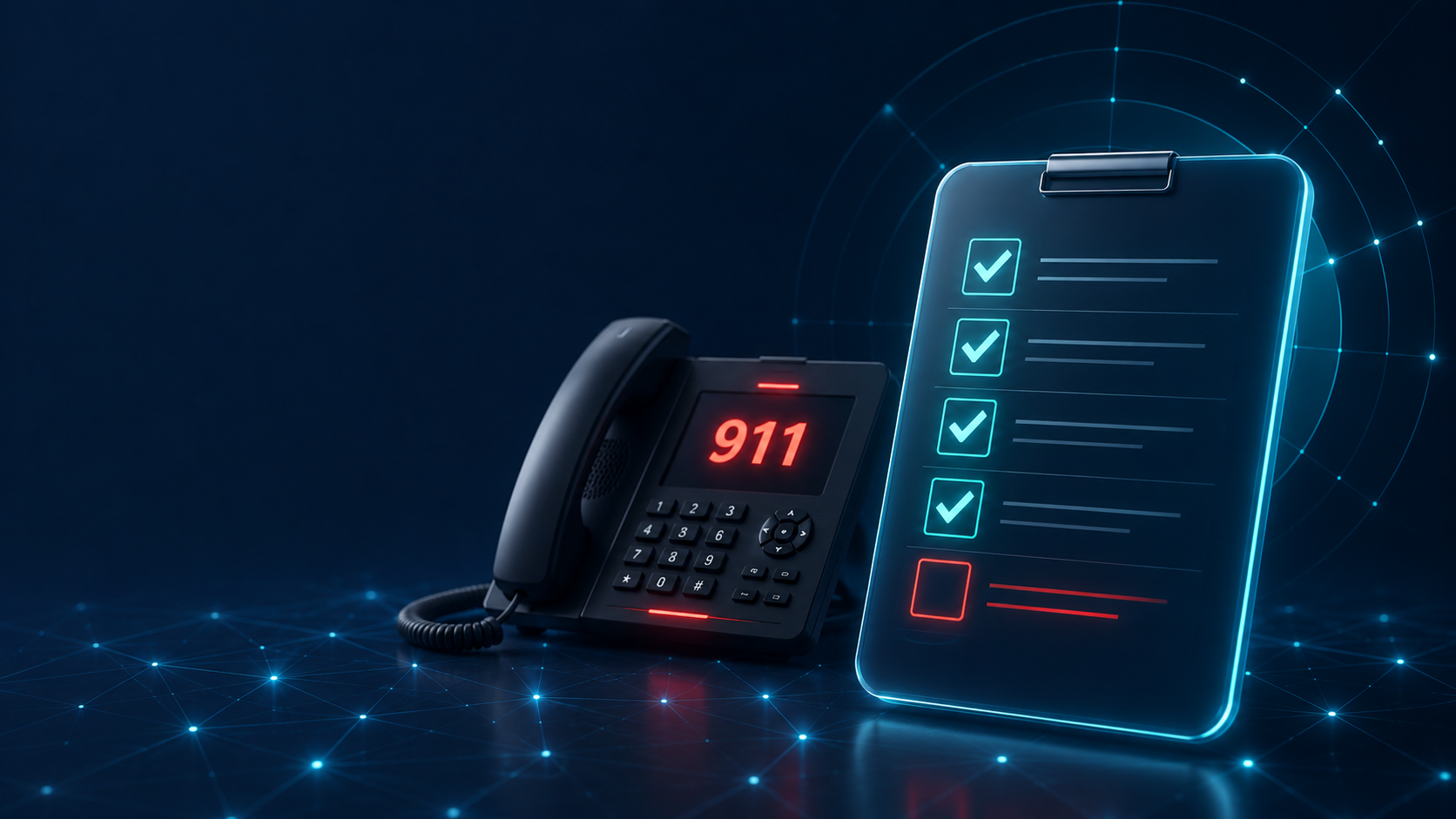
- Assess your infrastructure. Inventory every platform and site, confirm direct 911 dialing, and find devices that send the wrong address.
- Build location data for every site. Give each branch its own address, and give larger offices floor and suite detail.
- Route notifications to security. Kari's Law notifications should reach corporate security or branch management with the caller's location, around the clock.
- Coordinate across teams. IT, security, facilities, and compliance all own a piece of 911. Update incident response plans to reflect what the system now does.
- Test regularly. Use your provider's 933 test service, where offered, to check the address and callback number on file, and schedule live test calls with your local 911 center to confirm calls reach the right center with the right location. Our 933 testing guide explains how.
- Train staff. Employees should know they can dial 911 directly from any phone.
- Review periodically. Branch openings, closures, remodels, and new platforms all change your 911 setup.
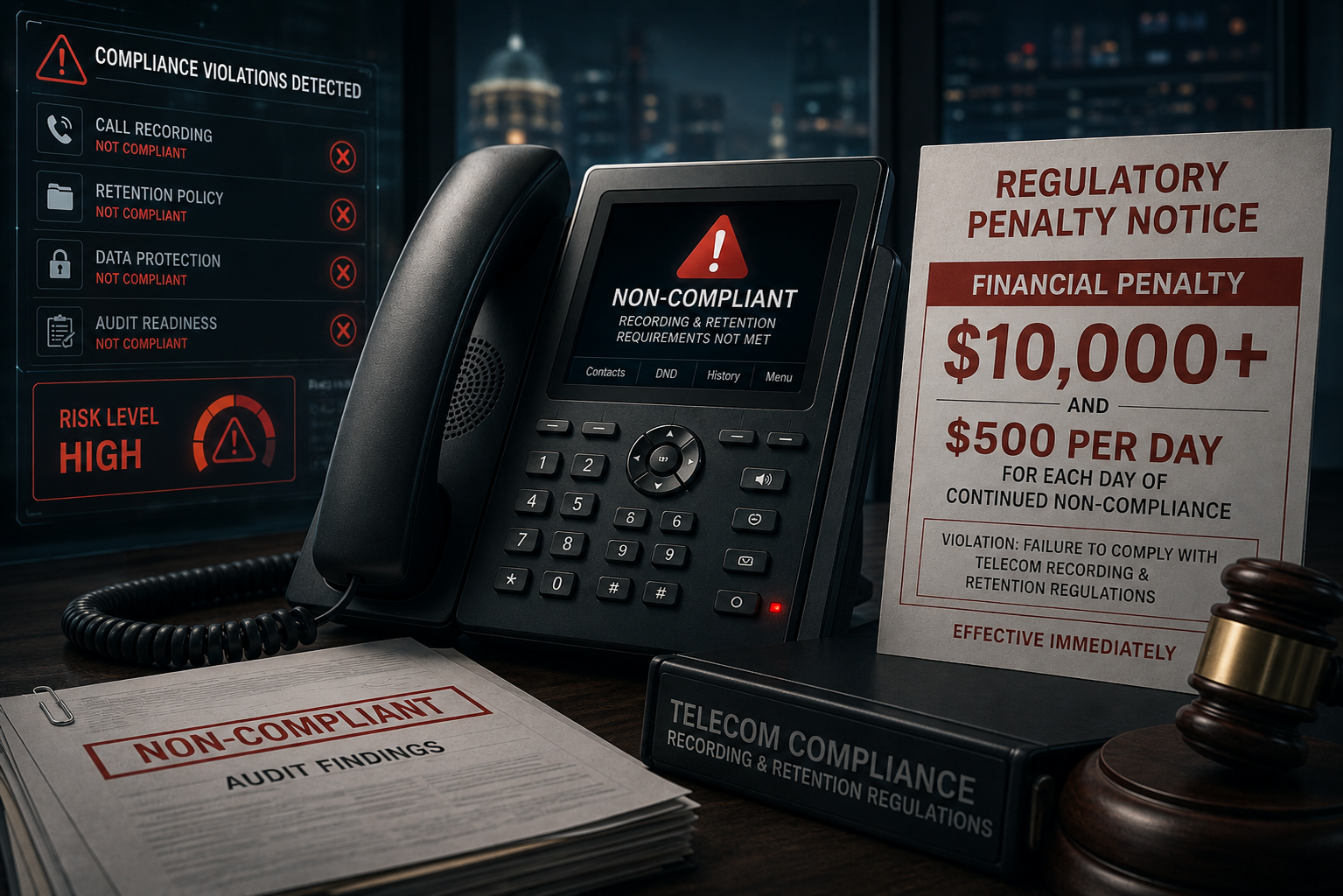
Regulators and customers both expect financial institutions to manage risk carefully, and 911 is part of that. Our breakdown of the real cost of 911 non-compliance covers the exposure in more detail.
911 calls from cell phones in branches and offices
Most 911 calls now come from cell phones, and a bank branch is no exception. A customer in the lobby or an employee in a back office is far more likely to dial from their own phone than from a desk phone, and that call goes straight to the 911 center. Corporate security never hears about it, and no amount of phone system compliance changes that.
9Line Pinpoint closes that gap. It detects 911 calls placed from cell phones inside geofences you draw around your branches, headquarters and operations centers, and alerts corporate security or branch management with the caller's location the instant 911 is called. It runs independent of your phone system, with no new hardware and nothing for callers to install.
Frequently asked questions
How can a bank know when someone dials 911 from a cell phone in a branch?
Cell phone 911 calls go straight to the 911 center and bypass the bank's phone system. 9Line Pinpoint detects 911 calls from cell phones inside geofences around branches and offices and alerts corporate security or branch management with the caller's location.
Do Kari's Law and RAY BAUM's Act apply to banks and credit unions?
Yes. Kari's Law and RAY BAUM's Act apply to the multi-line telephone systems (MLTS) that banks, credit unions, and financial firms use, including Cisco Unified CM, Webex Calling, Microsoft Teams Phone, and BroadWorks. Systems manufactured, imported, sold, leased, or installed after February 16, 2020 must allow direct 911 dialing, notify a central location, and send a dispatchable location.
What location should a 911 call from a bank branch send?
A 911 call from a bank branch must carry that branch's own street address, not the headquarters address, and larger offices need floor and suite detail. Phone systems configured centrally often get this wrong.
Who should receive 911 notifications at a financial institution?
911 notifications at a financial institution should reach corporate security or branch management around the clock and include the caller's location, so they fit into the alarm and security procedures branches already run.
Why is 911 compliance harder for financial institutions?
911 compliance is harder for financial institutions because they often combine many branch locations, multi-floor headquarters and operations centers, a mix of VoIP, cloud, and legacy phone systems, and remote staff whose 911 location has to follow them.
How often should a financial institution review its 911 setup?
A financial institution should review its 911 setup whenever branches open, close, or are remodeled and whenever new phone platforms are added, and should test regularly with its provider's 933 test service and live test calls with the local 911 center.
How 9Line helps
9Line Pinpoint alerts your on-site team when anyone dials 911 from a cell phone on your property, with the caller's location, through the 9Line app on mobile, desktop and web. It runs independent of your phone system, with no new hardware and nothing for callers to install.
9Line Dispatch delivers Kari's Law and RAY BAUM's Act compliance for Cisco Unified CM, Microsoft Teams, Cisco BroadWorks and Cisco Emergency Responder. It tracks on-premises devices by network location and maps each one to a building, floor, and room or zone. For remote users, it uses Microsoft Teams' Location Information Service or Webex HELD to pick up their current location. It assigns callback numbers at call time, so you don't need a DID for every device, and it alerts your designated contacts by SMS, email, webhook, or desktop notification the moment someone dials 911. Every site is managed from one cloud portal. Talk to us about where your environment stands.
Source
Federal Communications Commission, 911 Requirements for Multi-Line Telephone Systems (Kari's Law and RAY BAUM's Act).
See Echo on a live call
Echo works with Cisco Unified CM, Cisco Emergency Responder, Microsoft Teams Direct Routing and Cisco BroadWorks, with no software to install.
See how Pinpoint works on your property
9Line Pinpoint draws geofences around your buildings, detects cellular 911 calls made inside them and tells your on-site team which building the call came from.
Make your phone system 911 compliant
9Line Dispatch sends a dispatchable location with every 911 call and alerts on-site staff the moment 911 is dialed, for Microsoft Teams, Cisco UCM, Cisco BroadWorks and Cisco Emergency Responder.
Talk to a 911 compliance specialist
Tell us about your property and phone system, and we will show you where 9Line Pinpoint and 9Line Dispatch fit.