Campus emergency apps are everywhere. Universities, school districts, hospitals, and corporate campuses have invested in them for good reason: they give people a direct line to campus security, a panic button, and a way to share location.
But there’s an uncomfortable question every safety leader should ask: when a real emergency happens, will anyone actually use it?
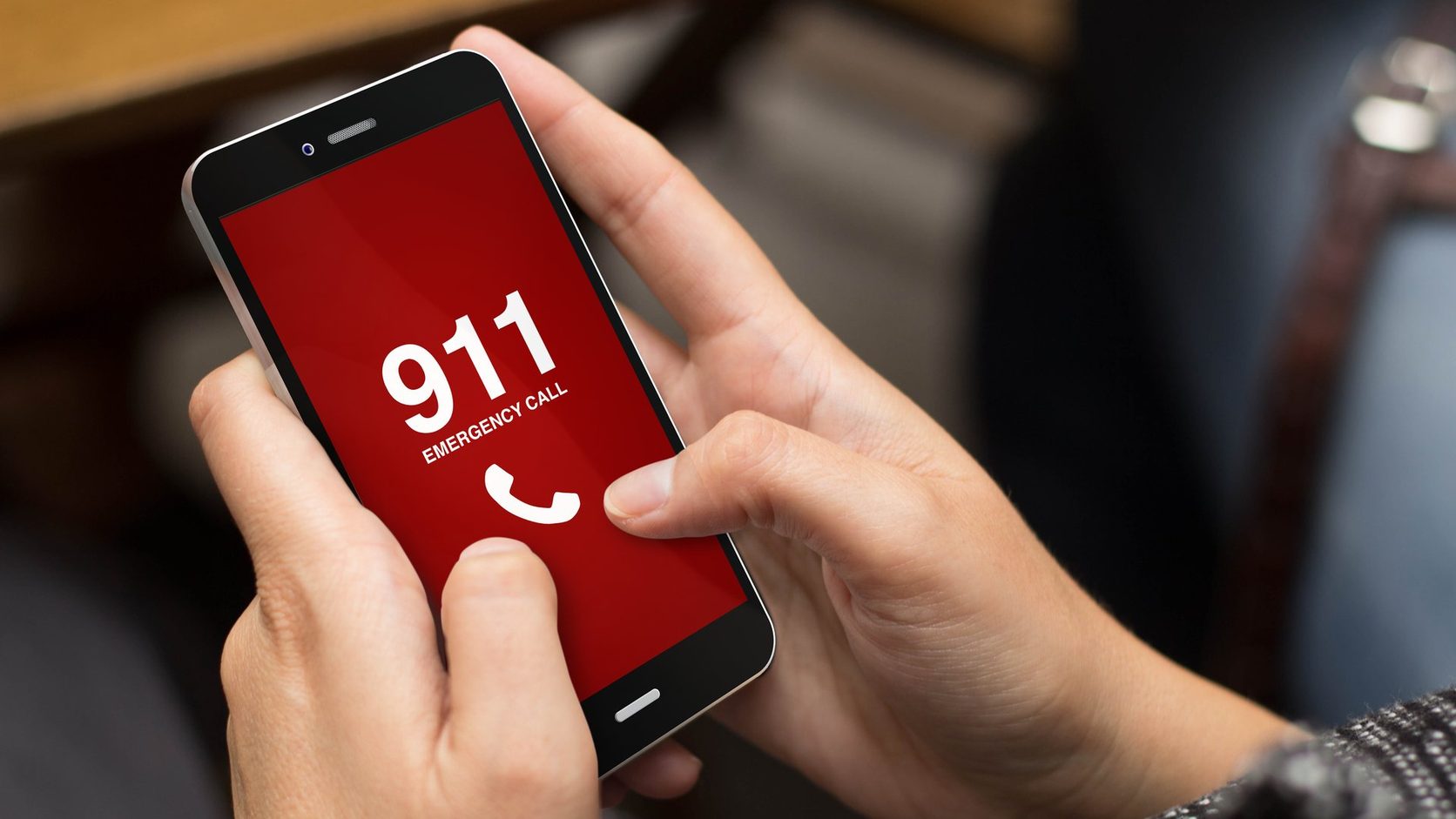
For most people, the honest answer is no. They’ll do what they’ve been trained to do since childhood. They’ll dial 911.
That instinct is right. The problem is what happens next, and who never finds out.
Gap 1: In an emergency, nobody stops to open an app
Think about what an emergency feels like. Your heart is pounding. Someone is hurt, or something is on fire, or a person is acting in a way that scares you. Your hands may be shaking. You aren’t thinking clearly, and you aren’t supposed to be. Your body is in fight-or-flight mode.
In that moment, your brain does not walk through a checklist like this:
- Am I on campus right now?
- Oh right, we have an app for this. Where is it on my phone?
- Do I need to log in?
- Does it need to update first?
- Am I on the latest version?
- Did I ever turn on location permissions?
Every one of those steps is a delay, and every one is a chance for the app to never get opened at all. Under stress, people fall back on the simplest, most deeply ingrained behavior they have. For nearly everyone, that is three digits: 9-1-1.
When that call goes out from a cell phone, it routes to the county 911 center. Help is on the way, which is good. But your campus police, security officers, and safety team, the people who are often minutes or even seconds away, may not hear about it until much later. Sometimes they hear about it secondhand. Sometimes they don’t hear about it at all.
An app that works perfectly but only when someone remembers to use it is not a safety net. It’s a backup plan for people who are calm. Emergencies don’t happen to calm people.
Gap 2: Visitors are a blind spot
Even if every student, employee, and staff member downloaded your app, kept it updated, and remembered to use it under pressure, there’s a second group that app-based safety simply cannot reach: people who aren’t supposed to have it.
Consider who is on your campus on any given day:
- Parents and families visiting for orientation, move-in, or graduation
- Fans at athletic events and concerts
- Patients and their families in a hospital or clinic
- Contractors, vendors, and delivery drivers
- Prospective students on campus tours
- Guests at conferences, ceremonies, and community events
None of these people downloaded your campus app. Many of them don’t know where they are on your campus, let alone which building they’re in. If one of them witnesses an emergency, or has one, they dial 911 from their personal phone. Your safety team is out of the loop.
On event days, visitors can outnumber your regular population. That means your blind spot is often biggest exactly when the stakes are highest.
The answer: meet people where they already are
The fix isn’t to train people harder to open an app. It’s to make the call they already make, a 911 call from their own phone, visible to the people who can help fastest.
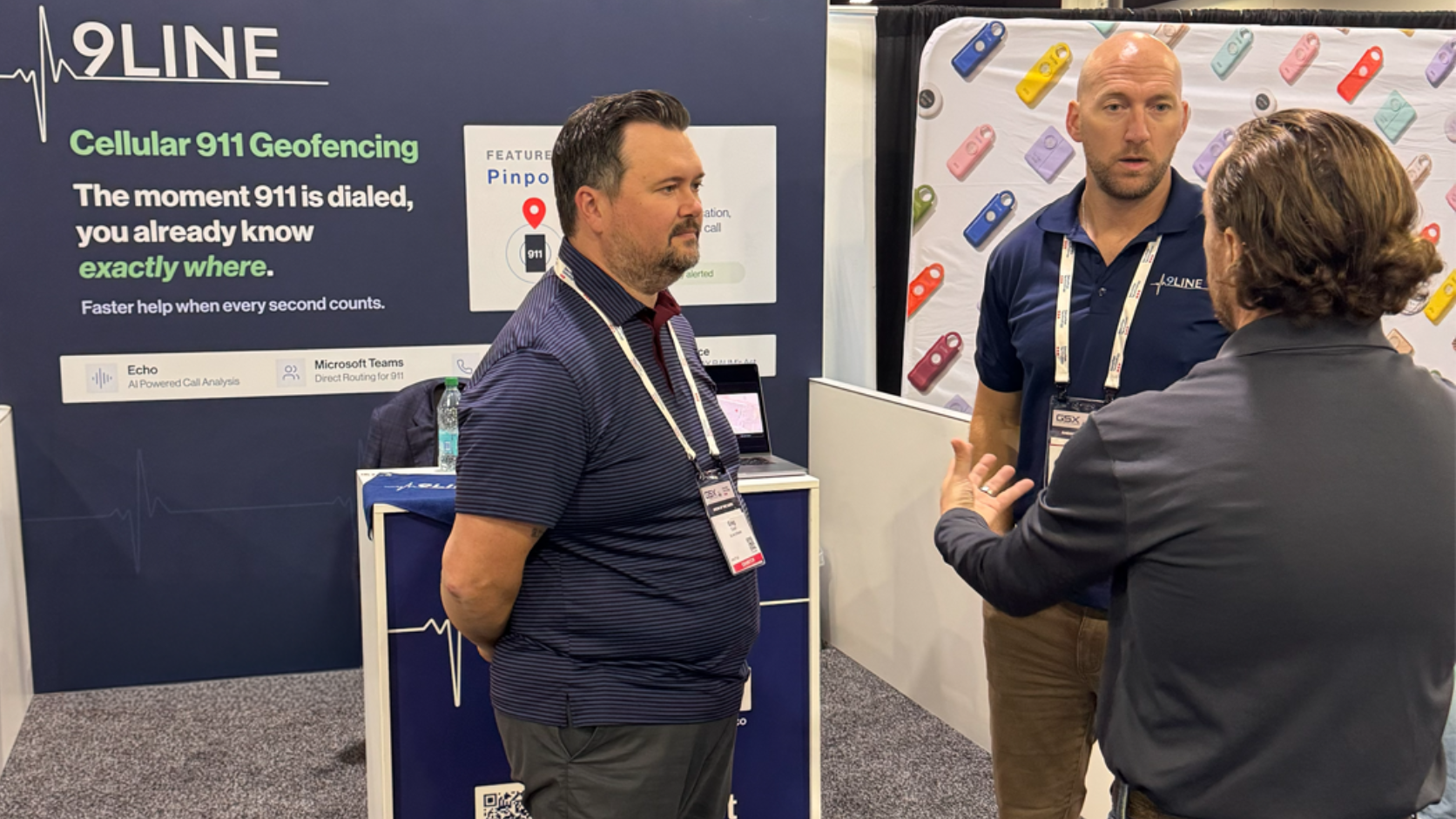
That’s what 9Line Pinpoint does.
Pinpoint uses geofencing to draw precise virtual boundaries around your buildings, parking areas, athletic venues, and outdoor spaces. When anyone dials 911 from a cell phone inside one of those zones, Pinpoint immediately alerts your on-site safety team with the caller’s location.
- No app for the caller to download. Pinpoint works with the phone’s native 911 dialing. Nothing to install, log in to, update, or remember.
- Covers everyone on campus. Students, staff, visitors, contractors, fans. If they’re inside your geofence and they dial 911, your team knows.
- Works on Apple and Android. No dependency on what kind of phone someone carries.
- Indoor and outdoor coverage. One product covers inside buildings and across your grounds.
- Precise location, including height. Alerts include the caller’s coordinates in three dimensions, including altitude, so your responders head to the right place, not just the right address, and know whether the call came from the ground floor or several stories up.
- A direct line from 911 to your team. Pinpoint also sends your security team’s contact information to the 911 center, so the dispatcher handling the call can reach the people already on site.
The caller does exactly what they would have done anyway. They dial 911. The county still dispatches help. And now your own team, the ones who know the building, have the keys, and can be there first, finds out at the same moment.
Frequently asked questions
Why don’t people use campus safety apps in an emergency?
People don’t use campus safety apps in an emergency because stress pushes them to the most ingrained behavior they have, which for nearly everyone is dialing 911. Finding the app, logging in, updating it, or turning on location permissions are all delays that often mean the app never gets opened.
What happens when someone dials 911 from a cell phone on campus?
A 911 call from a cell phone on campus routes to the county 911 center, which dispatches help. Campus police, security officers, and safety teams, who are often minutes or seconds away, may not hear about the call until much later, or at all.
Why are visitors a blind spot for campus safety apps?
Visitors such as parents, fans, patients, contractors, prospective students, and event guests never download a campus safety app, so when they dial 911 from a personal phone, the campus safety team is out of the loop. On event days, visitors can outnumber the regular campus population.
How does 9Line Pinpoint alert a campus safety team?
9Line Pinpoint draws geofences around buildings, parking areas, athletic venues, and outdoor spaces. When anyone dials 911 from a cell phone inside one of those zones, Pinpoint alerts the on-site safety team with the caller’s location, including altitude, and sends the security team’s contact information to the 911 center.
Does 9Line Pinpoint require the caller to install an app?
No. 9Line Pinpoint works with a phone’s native 911 dialing on both Apple and Android, so there is nothing for the caller to install, log in to, update, or remember.
Keep your app. Close the gap.
This isn’t an argument against campus safety apps. They do valuable things: mass notifications, safety escorts, anonymous tips, and resources for your community. Keep them.
But an app can’t be your only line of sight into emergencies on your campus. It depends on the right person having it, remembering it, and opening it under the worst possible conditions. Pinpoint doesn’t depend on any of that. It sees the call that actually gets made.
Simplify. Locate. Save lives.
See where your blind spots are
Want to know how many 911 calls are happening on your campus that your safety team never hears about? Let’s talk.
Schedule a Pinpoint demo or email [email protected].