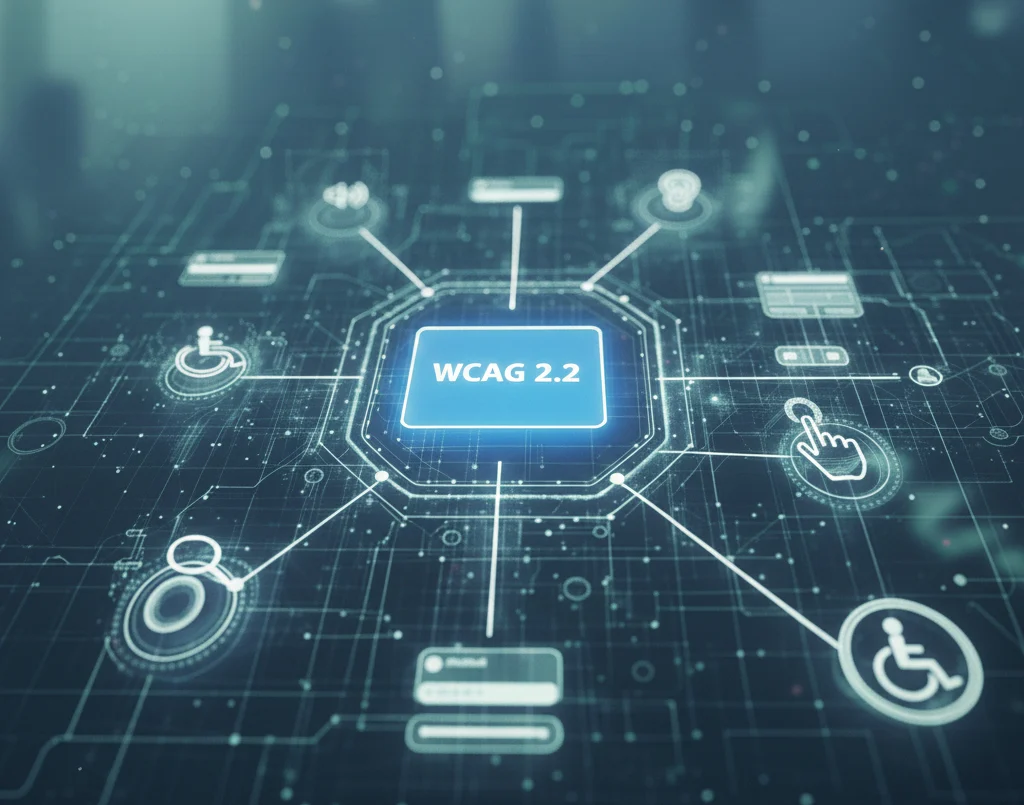
At 9Line, we believe that communication should be seamless and accessible to everyone, especially when it supports critical safety and emergency operations. That's why we've released a series of updates to the 9Line Portal designed to make it easier to use for all customers, including those who navigate without a mouse, rely on assistive technologies, or have color-vision differences. These improvements are fully aligned with WCAG 2.2 AA accessibility standards, reflecting our ongoing commitment to inclusivity and usability for every user.
What's New
Keyboard-friendly navigation:
Users can now move through portal pages using only the keyboard. With a clear tab order, visible focus indicators, and full support for dialogs and menus, it's easier than ever to explore the portal: no mouse required.
Improved visual clarity:
We've enhanced contrast across the interface so that text, buttons, and controls are easier to read and distinguish. Buttons, alerts, and statuses no longer rely on color alone, ensuring that critical information is communicated effectively to everyone.
Forms that communicate clearly:
Form fields now include properly placed labels, and error messages are automatically announced by assistive tools. This ensures users know exactly what needs attention without having to search for it visually.
Smarter switches and checkboxes:
Toggles and checkboxes now announce their on/off states directly to assistive technologies, confirming changes audibly as well as visually. This helps ensure that all users, including those using screen readers, have equal access to controls and feedback.
Consistency throughout the portal:
We've applied the same accessible design patterns across login, dashboard, tables, and detail views. Once users learn how something works in one area, they can expect the same experience everywhere else.
Proven Improvements
Our most recent WCAG 2.2 AA compliance scans show major progress:
Login: 100% violation-free
Dashboard: 100% violation-free
Organization detail and related views: 100% violation-free
Building a More Inclusive Future
Accessibility isn't a one-time project: it's an ongoing commitment. These updates are another step forward in our mission to make the 9Line Portal intuitive, reliable, and inclusive for every user. We'll continue refining our platform to meet evolving WCAG standards and ensure that everyone can stay connected, informed, and in control.
See Echo on a live call
Echo works with Cisco Unified CM, Cisco Emergency Responder, Microsoft Teams Direct Routing and Cisco BroadWorks, with no software to install.
See how Pinpoint works on your property
9Line Pinpoint draws geofences around your buildings, detects cellular 911 calls made inside them and tells your on-site team which building and approximate floor the call came from.
Make your phone system 911 compliant
9Line Dispatch sends a dispatchable location with every 911 call and alerts on-site staff the moment 911 is dialed, for Microsoft Teams, Cisco UCM, Cisco BroadWorks and Cisco Emergency Responder.
Talk to a 911 compliance specialist
Tell us about your property and phone system, and we will show you where 9Line Pinpoint and 9Line Dispatch fit.