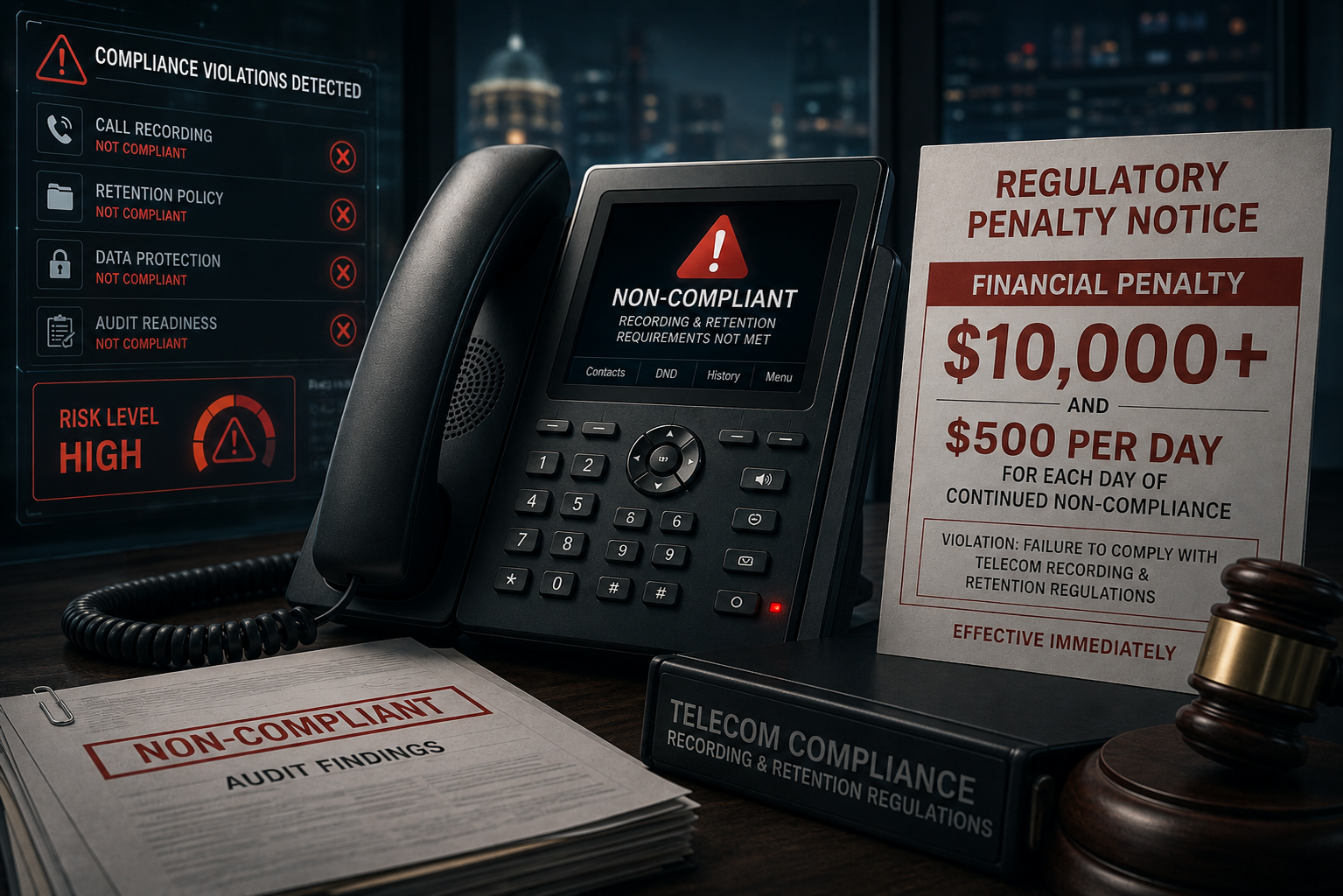

Law firms spend their days managing risk for clients. Their own phone systems are often an overlooked risk. A firm with offices in several cities, attorneys working from home, and a single phone platform for all of it can easily send the wrong address when someone dials 911.
This guide covers what federal law requires of law firm phone systems, where firms commonly fall short, and how to fix it.
What federal law requires
Two federal laws set the rules for 911 calls from a multi-line telephone system (MLTS), the category that covers Cisco Unified CM, Webex Calling, Microsoft Teams Phone, and hosted platforms like BroadWorks (FCC).
- Kari's Law requires that any MLTS manufactured, imported, sold, leased, or installed after February 16, 2020 let users dial 911 directly, with no prefix such as 9 for an outside line, and notify a central location, such as a security desk, when someone dials 911, where technically feasible.
- RAY BAUM's Act requires that a 911 call from an MLTS carry a dispatchable location: the street address plus the details responders need to find the caller, such as building, floor, and room.
For a plain-language walkthrough of both laws, see Kari's Law and RAY BAUM's Act: The Plain-English Guide, and for what an address has to include, what counts as a dispatchable location.
Where law firms commonly fall short
- Multiple offices on one system. A 911 call from a regional office can carry headquarters' address if the system isn't configured for each site.
- Multi-floor leased space. Firms often occupy several floors of a shared building, so responders need the floor and suite, not just the building address.
- Remote and hybrid attorneys and staff. Laptops running Teams or Webex move between home, office, and client sites. See our guide to 911 compliance for remote workers.
- Visitors. Clients, witnesses, and opposing counsel in conference rooms may need to use a firm phone in an emergency.
Steps to compliance
- Inventory every office and platform. Confirm direct 911 dialing works everywhere and find phones that send the wrong address.
- Add floor and suite detail. Map each office down to the floor and suite or wing.
- Route notifications to building security or office management. Kari's Law notifications should reach someone who can meet responders and guide them in.
- Cover remote users. Make sure attorneys and staff working off site can register and update their location.
- Test and review. Use your provider's 933 test service, where offered, to check the address and callback number on file, and schedule live test calls with your local 911 center to confirm calls reach the right center with the right location. Our 933 testing guide explains how.
Firms also have a professional reason to get this right: it demonstrates to clients and staff that the firm manages its own compliance obligations as carefully as theirs. Our breakdown of the real cost of 911 non-compliance covers the exposure in more detail.
911 calls from cell phones in your offices
Most 911 calls now come from cell phones. Attorneys, staff, clients and witnesses all carry one, and in an emergency they are far more likely to use it than a desk phone. Those calls go straight to the 911 center, so building security and office management never hear about them.
9Line Pinpoint closes that gap. It detects 911 calls placed from cell phones inside geofences you draw around your offices, and alerts building security or office management with the caller's location the instant 911 is called. It runs independent of your phone system, with no new hardware and nothing for callers to install.
Frequently asked questions
How can a law firm know when someone dials 911 from a cell phone in its offices?
Cell phone 911 calls go straight to the 911 center and bypass the firm's phone system. 9Line Pinpoint detects 911 calls from cell phones inside geofences around the firm's offices and alerts building security or office management with the caller's location.
Do Kari's Law and RAY BAUM's Act apply to law firms?
Yes. Kari's Law and RAY BAUM's Act apply to the multi-line telephone systems (MLTS) that law firms use, including Cisco Unified CM, Webex Calling, Microsoft Teams Phone, and BroadWorks. Systems manufactured, imported, sold, leased, or installed after February 16, 2020 must allow direct 911 dialing, notify a central location, and send a dispatchable location.
Why do law firm phone systems send the wrong 911 address?
Law firm phone systems often run multiple offices on one platform, so a 911 call from a regional office can carry the headquarters address if the system isn't configured for each site. Firms that lease several floors of a shared building also need to send the floor and suite, not just the building address.
How does 911 work for attorneys working from home?
Attorneys and staff using Teams or Webex on laptops move between home, office, and client sites, so a law firm needs a way for them to register and update their location. That way a 911 call carries where they actually are, not the office address.
Who should receive 911 notifications at a law firm?
911 notifications at a law firm should reach building security or office management: someone who can meet responders and guide them to the right floor and suite.
How should a law firm test its 911 setup?
A law firm should use its provider's 933 test service, where offered, to check the address and callback number on file, and schedule live test calls with the local 911 center to confirm calls from each office reach the right center with the right location.
How 9Line helps
9Line Pinpoint alerts your on-site team when anyone dials 911 from a cell phone on your property, with the caller's location, through the 9Line app on mobile, desktop and web. It runs independent of your phone system, with no new hardware and nothing for callers to install.
9Line Dispatch delivers Kari's Law and RAY BAUM's Act compliance for Cisco Unified CM, Microsoft Teams, Cisco BroadWorks and Cisco Emergency Responder. It tracks on-premises devices by network location and maps each one to a building, floor, and room or zone. For remote users, it uses Microsoft Teams' Location Information Service or Webex HELD to pick up their current location. It assigns callback numbers at call time, so you don't need a DID for every device, and it alerts your designated contacts by SMS, email, webhook, or desktop notification the moment someone dials 911. Every site is managed from one cloud portal. Talk to us about where your environment stands.
Source
Federal Communications Commission, 911 Requirements for Multi-Line Telephone Systems (Kari's Law and RAY BAUM's Act).
See Echo on a live call
Echo works with Cisco Unified CM, Cisco Emergency Responder, Microsoft Teams Direct Routing and Cisco BroadWorks, with no software to install.
See how Pinpoint works on your property
9Line Pinpoint draws geofences around your buildings, detects cellular 911 calls made inside them and tells your on-site team which building the call came from.
Make your phone system 911 compliant
9Line Dispatch sends a dispatchable location with every 911 call and alerts on-site staff the moment 911 is dialed, for Microsoft Teams, Cisco UCM, Cisco BroadWorks and Cisco Emergency Responder.
Talk to a 911 compliance specialist
Tell us about your property and phone system, and we will show you where 9Line Pinpoint and 9Line Dispatch fit.