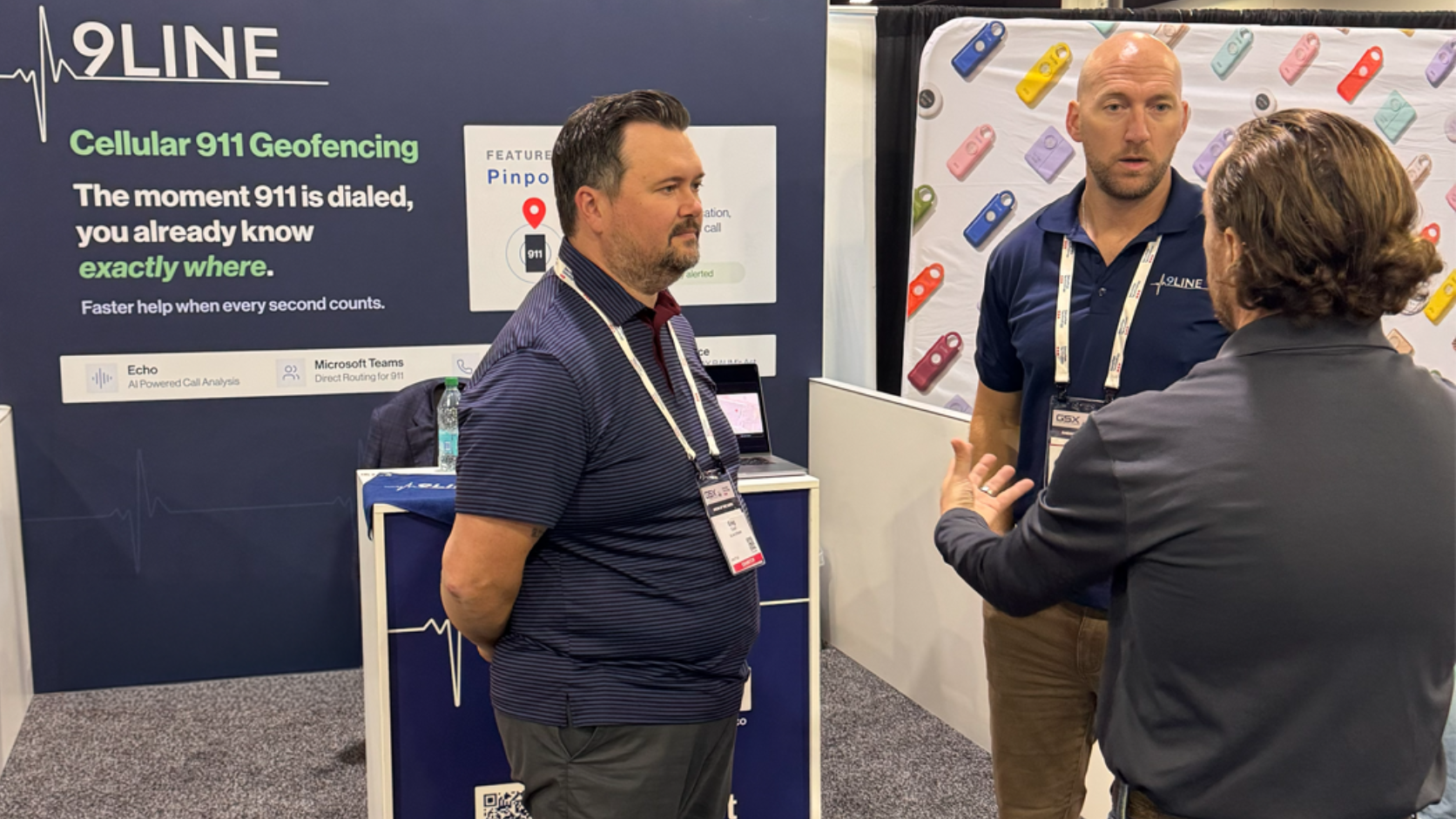

911 geofencing is a service that alerts an organization's own security, safety and response team when someone dials 911 from a cell phone inside boundaries the organization draws around its property. The 911 call still goes to the 911 center, which still sends police, fire or EMS. 911 geofencing adds a second alert, sent to the people already on site, with the caller's location. Emergency geofencing and cellular 911 alerting are other names for the same idea.
Why organizations don't hear about cell phone 911 calls
An organization usually never learns about a 911 call made from a cell phone on its property, because the wireless carrier sends the caller's location only to the 911 center that answers. The 911 center dispatches public responders. A campus police department, hospital security office or front desk is not part of that chain unless the dispatcher decides to call them. Our guide to how 911 finds a cell phone caller explains that location data in detail.
Kari's Law closes part of the gap, but only for phones on the organization's own phone system. Under Kari's Law, a multi-line telephone system (MLTS) must notify a central location, such as a security desk, when someone dials 911. A personal cell phone is not part of an MLTS, so a 911 call from a visitor's cell phone in the same lobby sends no notification at all. The plain-English guide to Kari's Law and RAY BAUM'S Act covers the phone system rules.
The cell phone side of the gap is the larger one. Most 911 calls now come from wireless phones, so on a campus, hospital or industrial site, most 911 activity never touches the organization's phone system.
How 911 geofencing works
911 geofencing works in four steps, and the caller does nothing differently at any of them.
- The organization draws the zones. It defines geofences around the places it is responsible for: buildings, parking structures, surface lots, athletic venues and outdoor grounds.
- Someone on the property dials 911. A student, patient, visitor, employee or contractor dials 911 from a cell phone inside one of the zones. The call goes to the 911 center exactly as it would without geofencing.
- The service places the call in a zone. The 911 geofencing service detects that the 911 call came from inside a geofence and identifies which one.
- The right people get an alert. The service alerts the security, safety and internal response team members responsible for that zone, with the caller's location, so they can meet responders at the right door or reach the caller first.
A 911 geofencing service that works from the phone's native 911 dialing covers people who never installed an app or registered with the organization, including visitors, patients, guests and contractors.
911 geofencing, mass notification and Kari's Law notification
911 geofencing, mass notification and Kari's Law notification are three different tools that solve three different problems.
Mass notification sends messages out
Mass notification is outbound. A mass notification system pushes a message, such as an evacuation order or a lockdown alert, to people on a campus after someone has decided an emergency is happening. Mass notification does not detect a 911 call.
Kari's Law notification covers the phone system
Kari's Law notification is inbound, but it covers only 911 calls from the organization's own phone system: desk phones, softphones and other MLTS stations.
911 geofencing covers cell phones
911 geofencing is inbound and covers cell phones. A 911 geofencing alert tells the on-site team that a 911 call has started on the property, often before anyone has decided whether a mass notification is needed.
The three tools work in sequence rather than competing. A geofencing or phone system alert tells the team that someone called 911 and where; the team's response, which may include a mass notification, follows from there.
Where dispatchable location fits
Dispatchable location is a requirement for 911 calls from phone systems, not a feature of mass notification. Under FCC rules that carry out RAY BAUM'S Act, an MLTS must be able to send the 911 center a dispatchable location: the validated street address of the caller plus details such as suite, floor or room needed to find them. Wireless carriers follow a separate set of FCC location rules for 911 calls from cell phones.
An organization looking for a system that supports E911 dispatchable location and keeps emergency contacts current is usually asking for two things:
- E911 for the phone system, which delivers dispatchable location to the 911 center and notifies the right on-site contacts when someone dials 911 from a desk phone or softphone.
- 911 geofencing for cell phones, which alerts the same contacts when someone dials 911 from a personal phone on the property.
What to ask a 911 geofencing provider
Seven questions show whether a 911 geofencing service fits an organization's property and team.
- Does the caller have to do anything? Look for a service that works with native 911 dialing on Apple and Android phones, with no app and no registration.
- Does it change how the 911 call is handled? It should not. The 911 center should still answer the call and dispatch help.
- How much location does the alert carry? In multi-story buildings and parking garages, altitude or an estimated floor matters as much as the street address.
- Who receives each alert? Alerts should reach the team members nearest the call. A nationwide team paged for every call at every site learns to tune alerts out.
- What does it need from IT? Some services run independently of the phone system, with no new hardware.
- Can the geofences match the property? Buildings, garages, lots, fields and open grounds should each be drawable as their own zone.
- Can the 911 center reach the on-site team? A service that shares the security team's contact information with the 911 center lets the dispatcher reach the people already on site.
Frequently asked questions
What is 911 geofencing?
911 geofencing is a service that alerts an organization's own security, safety and response team when someone dials 911 from a cell phone inside boundaries the organization draws around its property. The 911 center still handles the call, and the on-site team gets a second alert with the caller's location.
Does 911 geofencing change how a 911 call is handled?
No. The 911 call still goes to the 911 center, which still dispatches police, fire or EMS. 911 geofencing only adds an alert to the organization's on-site team.
Is 911 geofencing the same as mass notification?
No. Mass notification is outbound: it sends messages to people after an emergency is known. 911 geofencing is inbound: it tells the on-site team that someone on the property has dialed 911 from a cell phone.
Does Kari's Law require alerts for cell phone 911 calls?
No. Kari's Law requires a multi-line telephone system to notify a central location when someone dials 911 from the organization's phone system. Personal cell phones are not part of that system, so Kari's Law notification does not cover them.
Do callers need to install an app for 911 geofencing to work?
Not with a service that works from the phone's native 911 dialing. 9Line Pinpoint needs no app or registration on Apple or Android phones, so it covers visitors and contractors as well as employees.
How 9Line helps
9Line Pinpoint is 9Line's 911 geofencing service. Pinpoint alerts on-site teams with the caller's location the instant someone dials 911 from a cell phone inside geofences the organization defines around its buildings, parking structures, athletic venues and outdoor spaces.
- Alerts routed by proximity. Pinpoint alerts the security, safety and internal response team members nearest the call. Teams at other sites are not paged.
- Location in three dimensions. Each alert carries the caller's address, coordinates, elevation and estimated floor, with a map.
- A link to the 911 center. Pinpoint sends the security team's contact information to the 911 center, so the dispatcher can reach the people already on site.
- Nothing to install. Pinpoint runs independently of the phone system, with no new hardware and nothing for callers to install. Alerts arrive through the 9Line app on mobile, desktop and web.
For calls from desk phones and softphones, 9Line Dispatch delivers Kari's Law notification and dispatchable location for Microsoft Teams, Cisco Unified Communications Manager, Cisco Emergency Responder and BroadWorks.
See Echo on a live call
Echo works with Cisco Unified CM, Cisco Emergency Responder, Microsoft Teams Direct Routing and Cisco BroadWorks, with no software to install.
See how Pinpoint works on your property
9Line Pinpoint draws geofences around your buildings, detects cellular 911 calls made inside them and tells your on-site team which building the call came from.
Make your phone system 911 compliant
9Line Dispatch sends a dispatchable location with every 911 call and alerts on-site staff the moment 911 is dialed, for Microsoft Teams, Cisco UCM, Cisco BroadWorks and Cisco Emergency Responder.
Talk to a 911 compliance specialist
Tell us about your property and phone system, and we will show you where 9Line Pinpoint and 9Line Dispatch fit.